
01 / Lessons & training
Know where you are in the package.
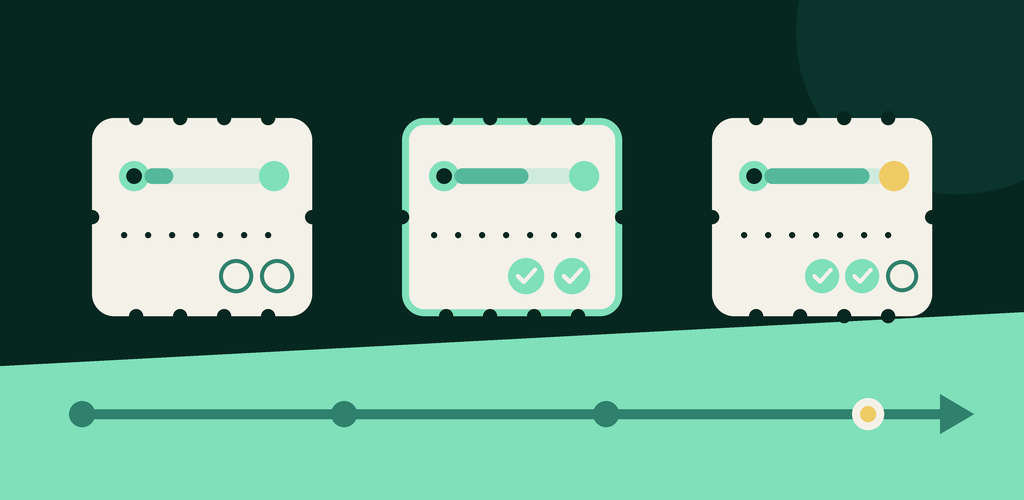
Record sessions as you use them. See the remaining visits and their history, and plan upcoming visits without reconstructing everything from messages or memory.
For subscriptions, lessons & visits
Keep renewal dates, remaining sessions and recurring costs in one place—so you can plan the next visit or payment with a clearer picture.
Available on Android. An iOS version is in development; it is not available yet.
On your phone
Follow your subscriptions, lessons and visits wherever you are.
Get it on Google PlayiPhone and iPad: coming soon. The iOS app is not available on the App Store yet.

Made for real routines
From an eight-lesson package to a streaming trial, the useful question is often the same: how much is left, and when do I need to act?
01 / Lessons & training
Record sessions as you use them. See the remaining visits and their history, and plan upcoming visits without reconstructing everything from messages or memory.
02 / Everyday services
Keep an eye on streaming, software, phone plans and other time-based services. Set reminders to suit your routine.
03 / The bigger picture
Organize memberships with categories and payment-method labels, then explore expenses and trends when you want a wider view.
A simpler rhythm
Membership Tracker gives you a practical record of time, visits and spending. Core tracking works without creating an account; online features have their own requirements.
Choose the dates, visit package or cost model that fits what you bought.
Mark usage, keep notes on visits and plan the next appointment where available.
See remaining time or visits, upcoming dates, history and expense views in one place.
Coming to Android
Not in the current Google Play version
Shared access is being prepared for a future Android release. It will let you give a family member, trainer or tutor a clearer view of a membership—without giving them editing control.
Availability will be updated here when the Android release is live. Receiving shared access will not require paid personal-data sync.
A note from the maker
I used to buy English lessons in packs of eight. Halfway through, I would lose track of how many I had used and when I would need to pay for the next pack. The same thing happened with gym sessions and a trainer.
Then came streaming, software and other recurring services. I wanted one clear place to follow dates, visits and costs, so I built Membership Tracker. I use it every day to record visits, plan ahead and see what is changing. I use a separate virtual card for some online payments too—but that is my own banking habit, not something the app controls.
I keep improving the app through daily use and feedback. The next step is helping families, trainers and tutors share the same view when they need it. If something would make your tracking easier, please tell me. I really do read suggestions.
— Siarhei, developer of Membership Tracker
Start with your next subscription, lesson package or visit plan.